

Audience insights
Where your followers are, their age groups and how many people you reach.
- Who can do this:
- Owner · Admin · Marketer · Community manager · Analyst
- Plan:
- Business or Pro
- Last updated:
Before you start
- A Business or Pro plan.
Steps
- Step 1:
Open Audience and choose Insights.
- Step 2:
Pick a Time range: 7 days, 30 days or 90 days.
- Step 3:
Read Profile visits and Accounts reached, then the Activity chart.
- Step 4:
Scroll to Top countries, Gender and Age to see who follows you.
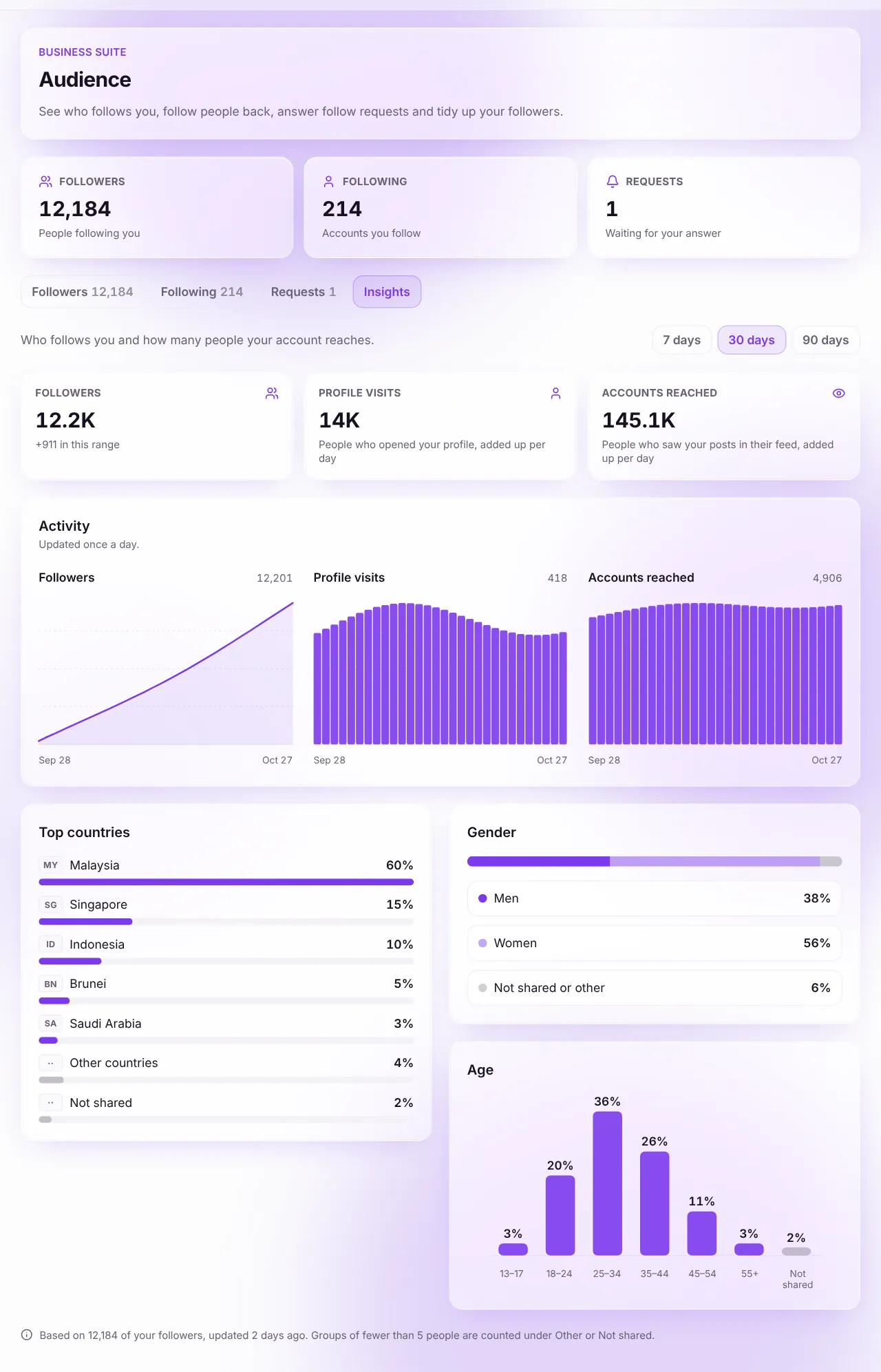
Screenshot:Only totals are shown, never who.Sample business and numbers. Your screen shows your own.
What each term means
- Profile visits
- People who opened your profile, added up per day.
- Accounts reached
- People who saw your posts in their feed, added up per day. Someone who saw you on two days counts twice.
- Top countries
- Where your followers say they are. Followers who haven’t shared a country are not counted.
What happens next
- Follower details update once a week; visits and reach update daily.
Related articles
Was this article helpful?