

Fix an ad that needs changes
Read why Battut turned an ad down, fix it and send it again.
- Who can do this:
- Owner · Admin · Marketer
- Plan:
- Every plan, including Free
- Last updated:
Steps
- Step 1:
Open Ads and find the ad marked Needs changes.
- Step 2:
Read What Battut said on the ad card.
- Step 3:
Select Edit and fix what the note asks for.
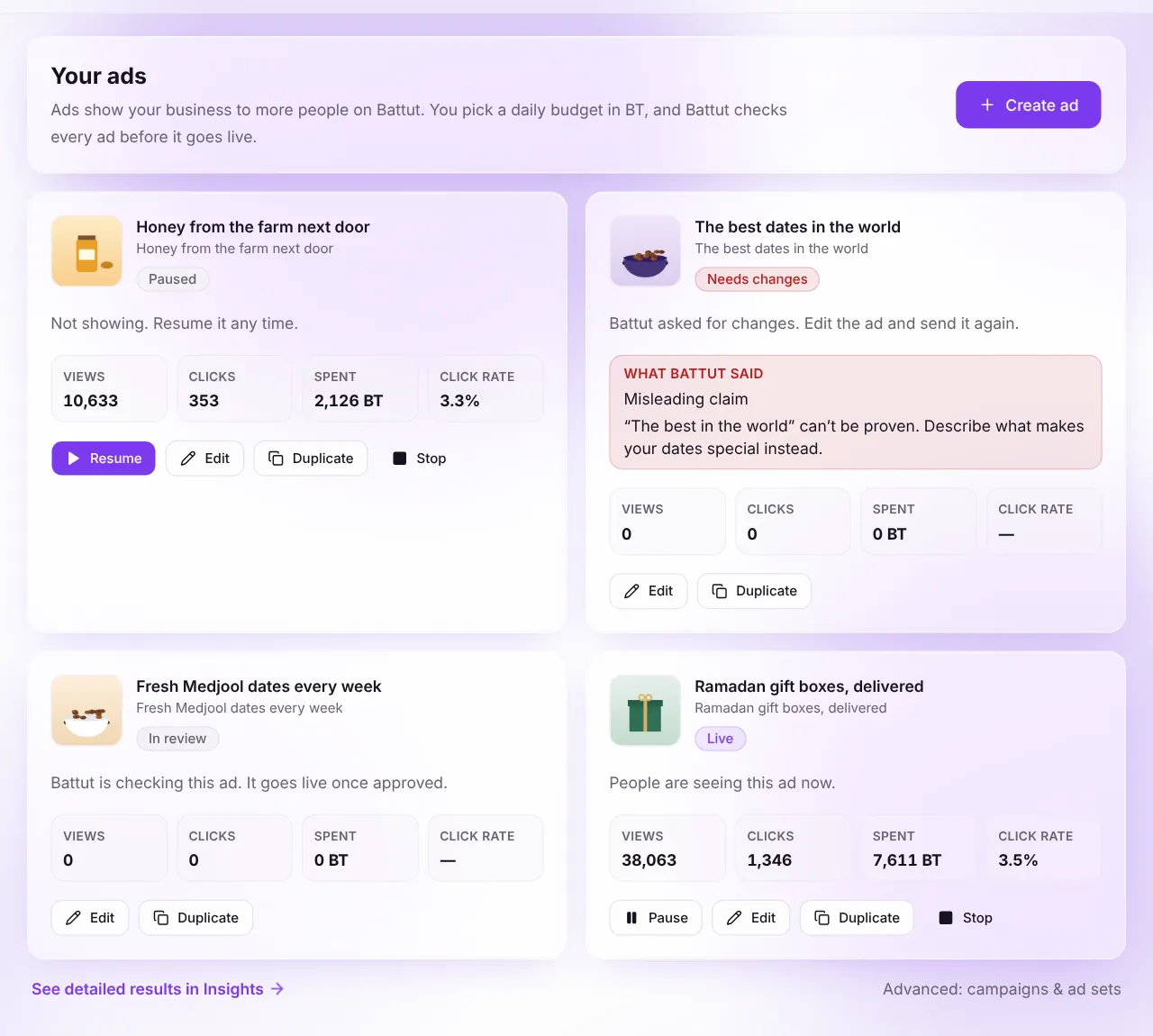
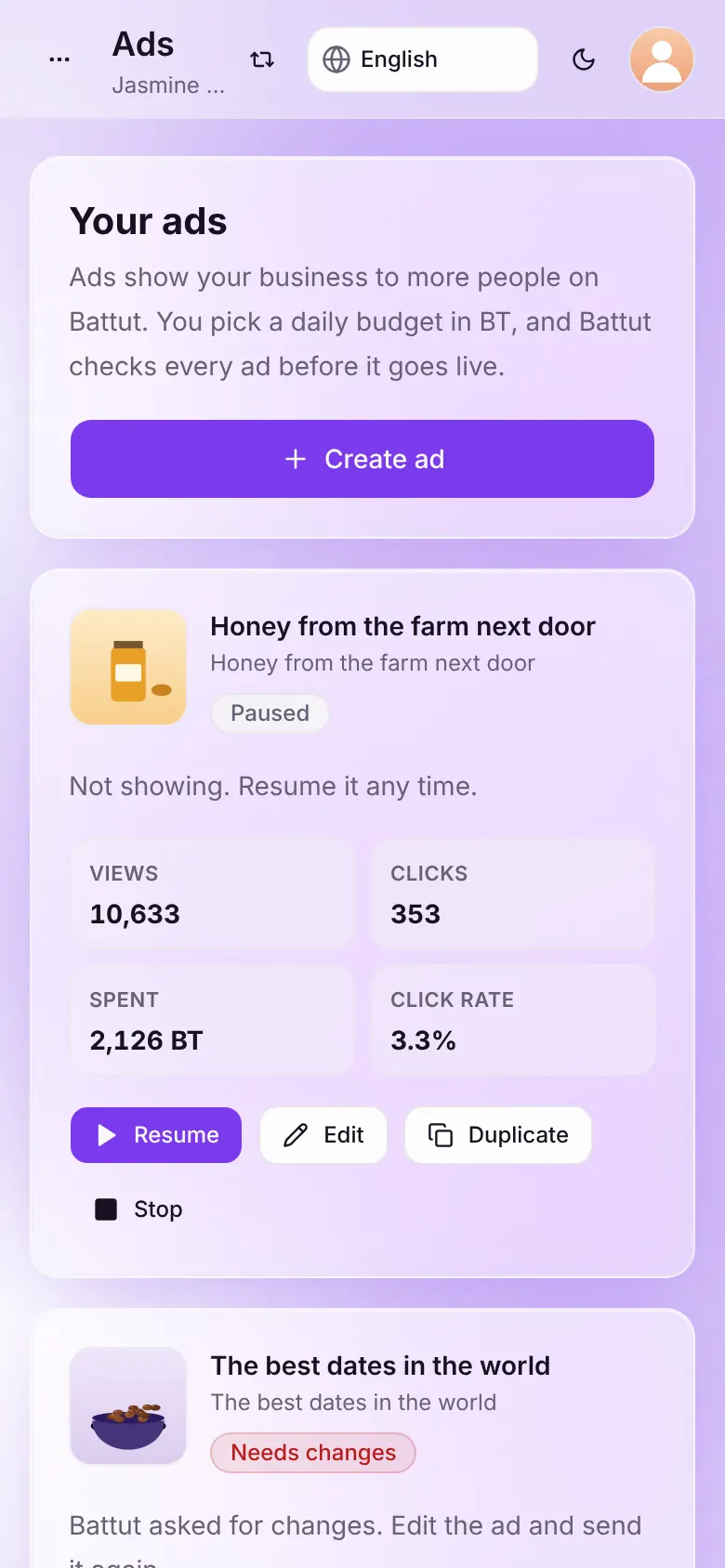
Screenshot:The reviewer’s note says what to change.Sample business and numbers. Your screen shows your own. - Step 4:
Select Save and send to send it for review again.
At a glance
| Reason | How to fix it |
|---|---|
| Music | Remove the music, or use voice and natural sounds only. |
| Immodest imagery | Use loose, non-transparent clothing; show no mixed-gender intimacy. |
| Misleading claims | Remove claims you can’t prove, fake countdowns and “guaranteed” results. |
| Destination mismatch | Make the website show the same business, product and price as the ad. |
| Non-halal food | Add your halal certificate to the landing page, or choose another product. |
| Women in imagery not declared | Answer Does this ad show women? truthfully. |
What happens next
- The ad goes back to In review. Once approved, it shows Live.
Common questions
I think the decision is wrong. What can I do?
Email support with the ad name and why you think it follows the policy. A different admin looks at it again.
Related articles
Was this article helpful?