

Manage your ads
See each ad’s status and results, and pause, edit, duplicate or stop it.
- Who can do this:
- Owner · Admin · Marketer
- Plan:
- Every plan, including Free
- Last updated:
Steps
- Step 1:
Open Ads to see Your ads. Each card shows its status, Views, Clicks, Spent and Click rate.
- Step 2:
Select Pause to stop an ad showing for now, and Resume to show it again.
- Step 3:
Select Edit to change it, then Save and send.
- Step 4:
Select Duplicate to start a new ad from a copy.
- Step 5:
Select Stop, then Stop ad, to end an ad for good.
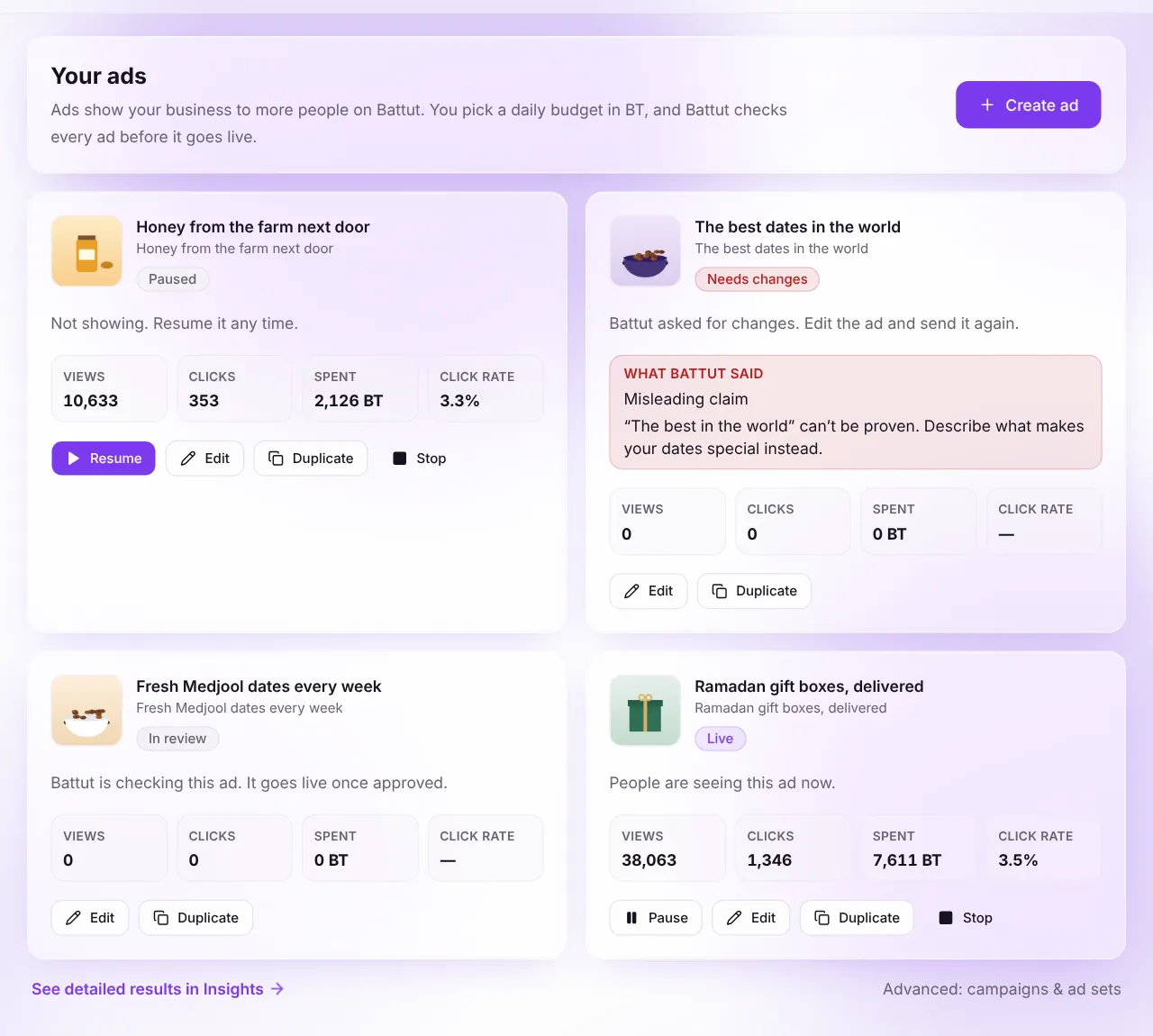
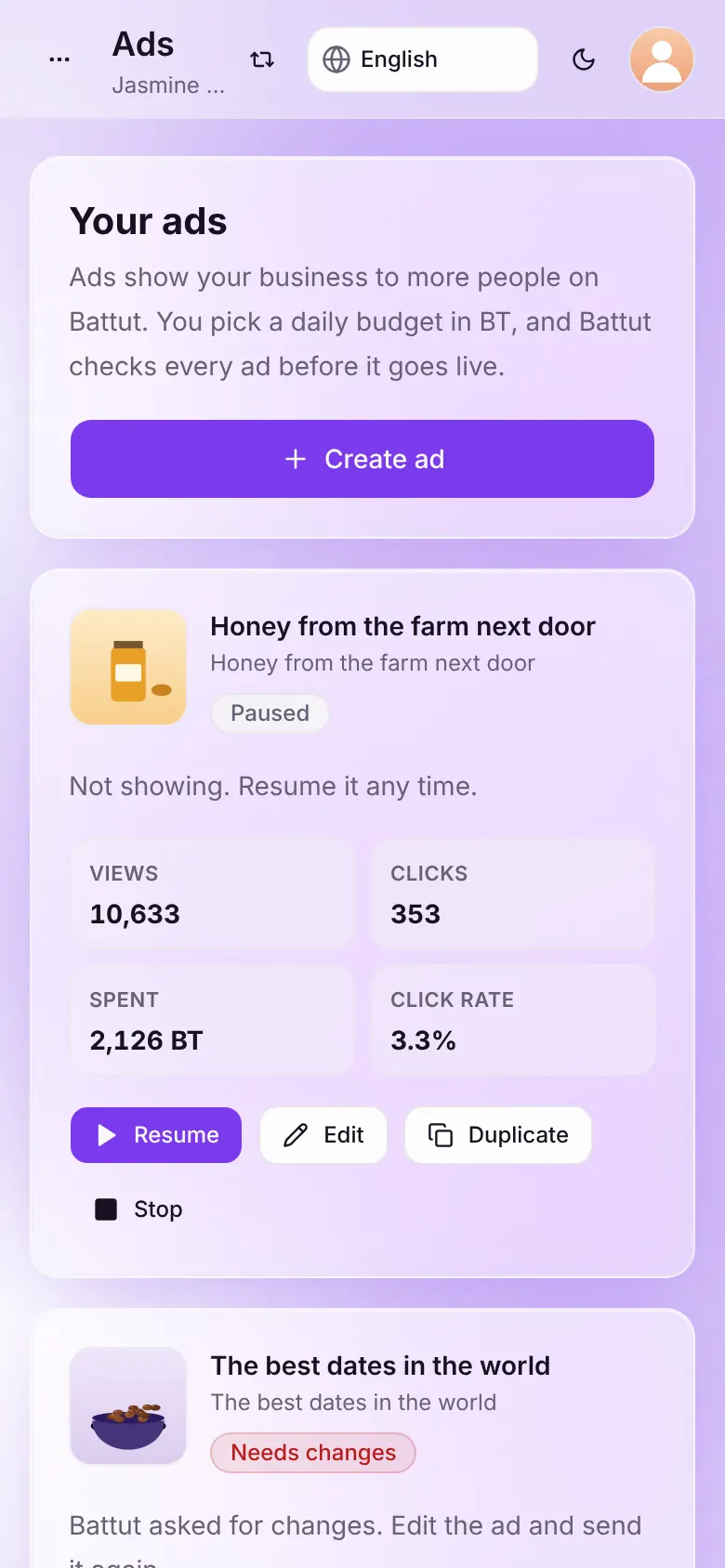
Screenshot:Every ad, its status and its results in one list.Sample business and numbers. Your screen shows your own.
At a glance
| Status | What it means |
|---|---|
| Not sent yet | Battut hasn’t received this ad yet. Finish it to send it for review. |
| In review | Battut is checking this ad. It goes live once approved. |
| Live | People are seeing this ad now. |
| Paused | Not showing. Resume it any time. |
| Needs changes | Battut asked for changes. Edit the ad and send it again. |
| Ended | This ad has finished and no longer shows. |
What happens next
- For day-by-day numbers, select See detailed results in Insights. See Read your ad results.
Common questions
Can I restart a stopped ad?
No. Stopping is final. To show it again, duplicate it.
Related articles
Was this article helpful?